Vikas Editor: AI Photo Editing Prompts, Applied to Your Photo
Pick a trending look – saree, festival, couple, studio or cinematic – upload one photo and get the edit back right here. No copying prompts into ChatGPT.
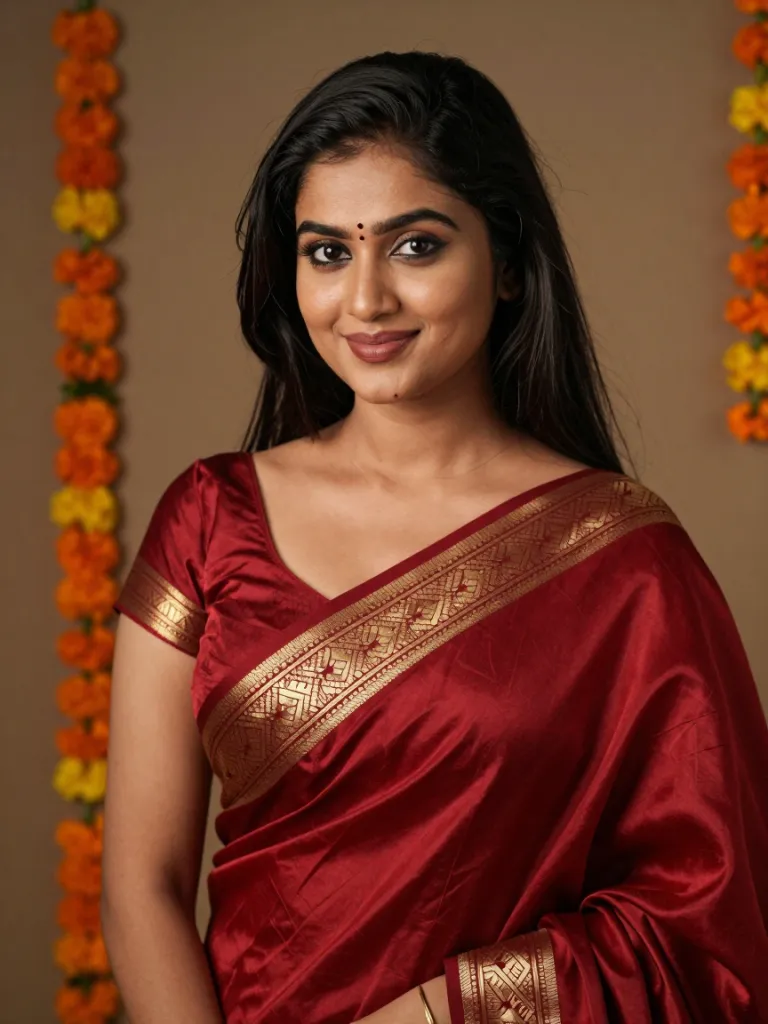
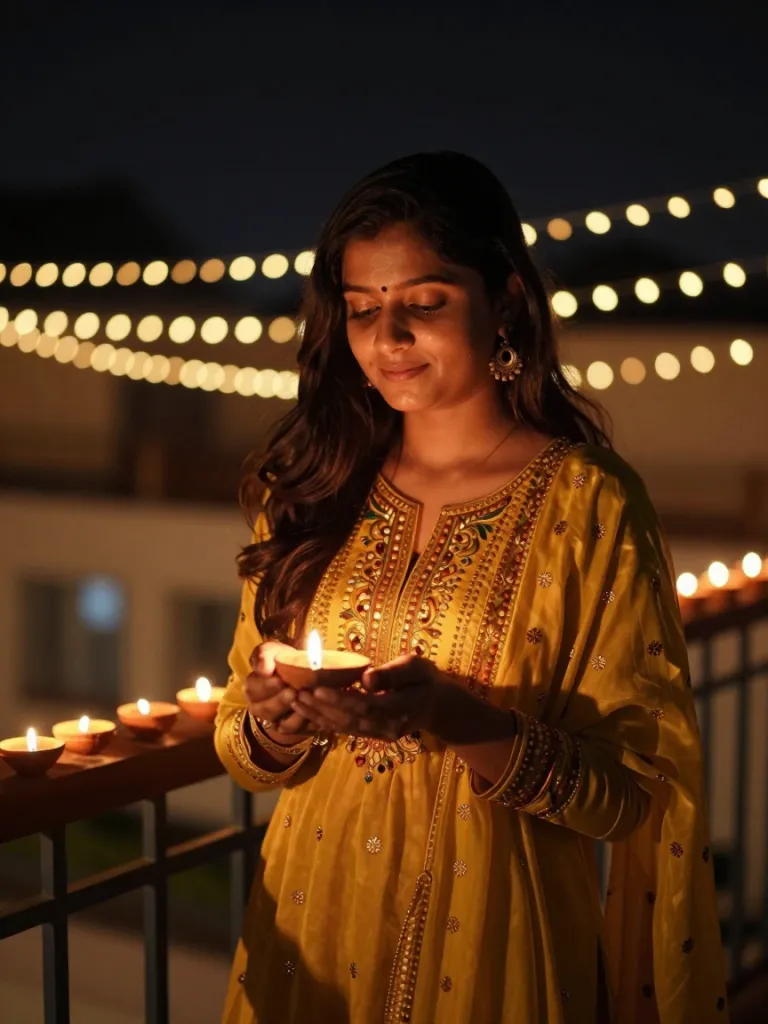
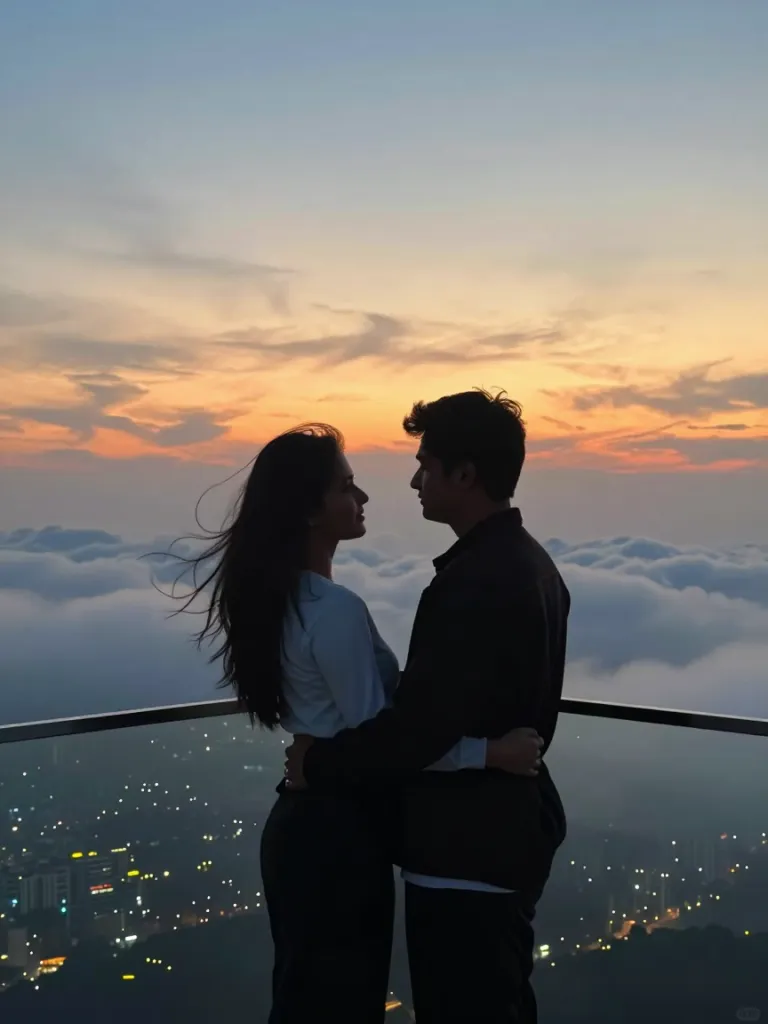
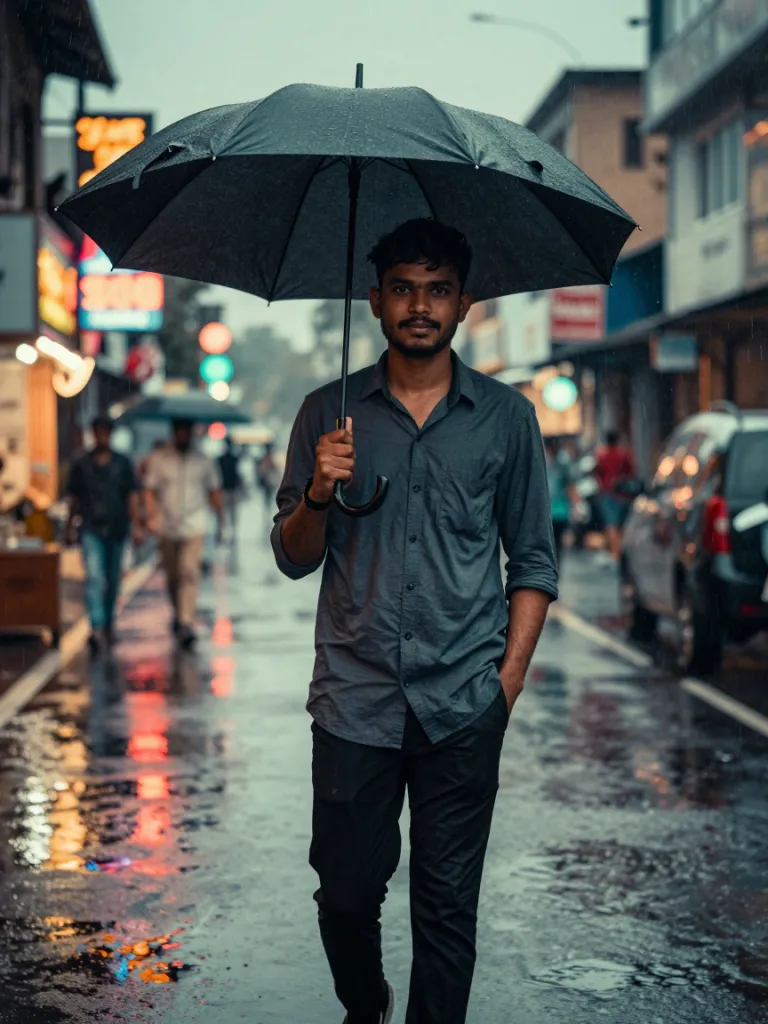
Trending Vikas-Style Looks
Hover a look to read its prompt. Copy it, or open it in the editor with your own photo.
AI exampleAI exampleAI exampleAI example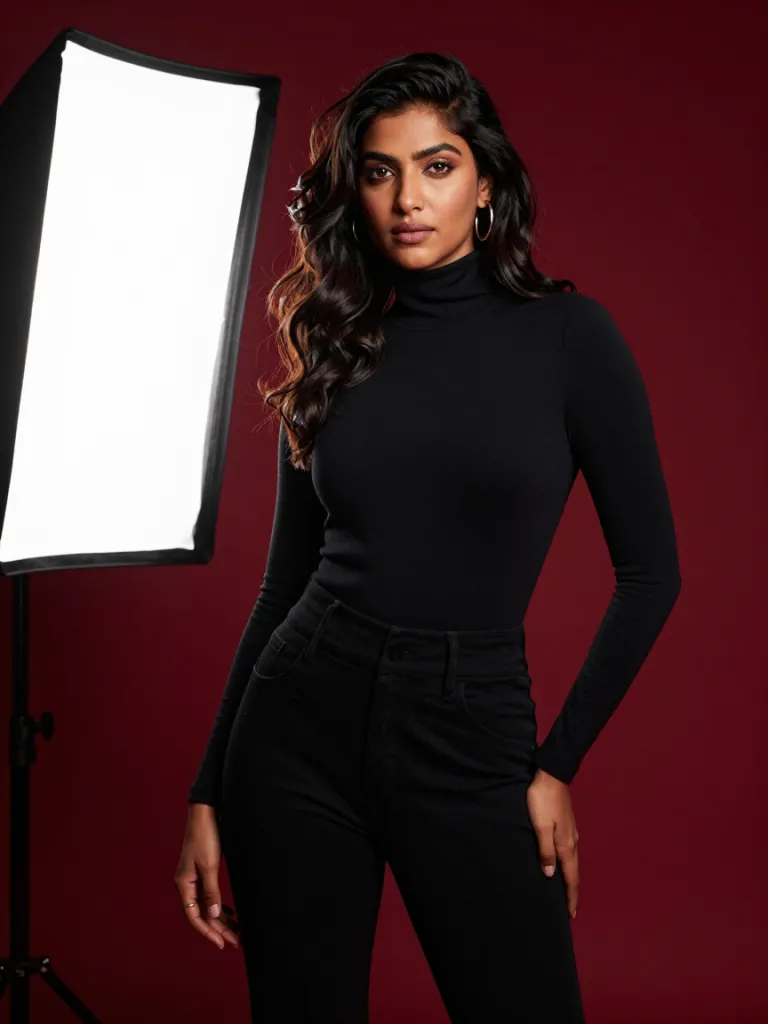 AI example
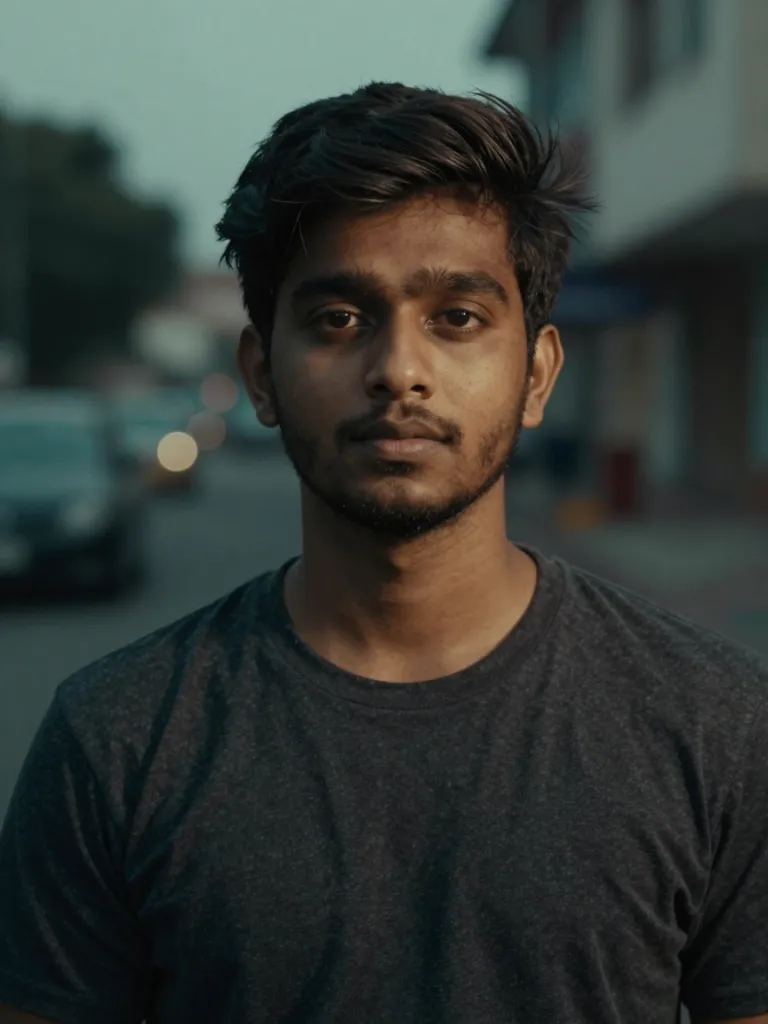 AI example
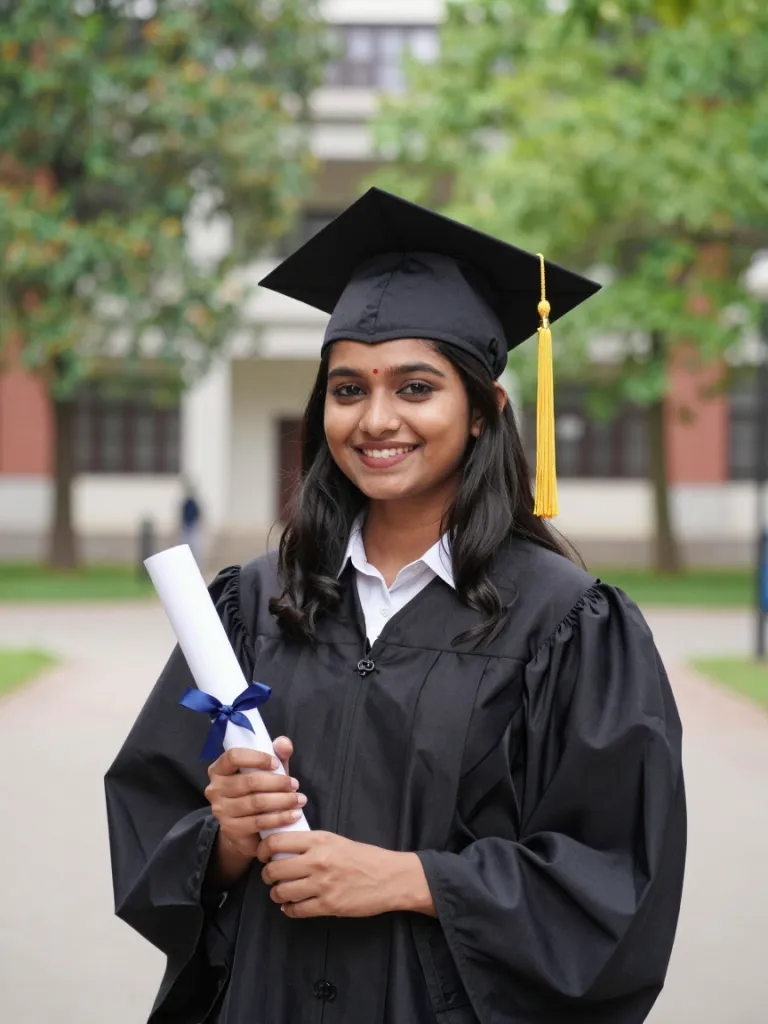 AI example
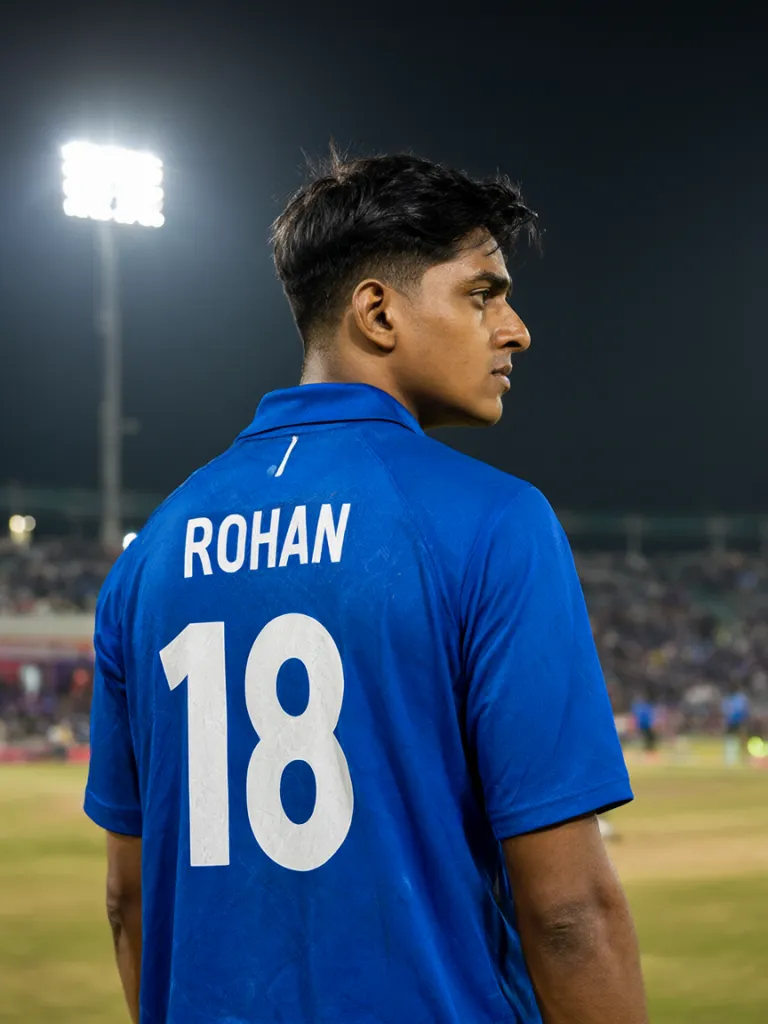 AI example
Why Edit Here Instead of Copying Prompts
Prompt blogs give you text. Vikas Editor gives you the finished photo.
The look and the editor on one page
Most Vikas-style prompts live on blogs: copy the text, open ChatGPT or Gemini, upload, paste, retry. Here you pick a look, add your photo and generate – no switching between apps.
Run one prompt on several models
Try the same look on NanoBanana 2 Pro, GPT Image 2.5, Seedream and more, then keep the result that looks most like you. If a face drifts on one model, switch models instead of rewriting the prompt.
Turn the photo into a Reel
Send your finished edit to AI Video and get a short vertical clip with camera motion – ready to post as an Instagram Reel without hunting for a template.
Finish the edit without leaving
Upscale for a sharper post, remove the background, or fix one detail with the built-in image tools after the AI edit.
How to Use Vikas Editor
Three steps from a normal photo to a post-ready edit.
Choose a look
Start from a trending look or write your own prompt. Every prompt is plain text you can change.
Upload one clear photo
A front-facing photo in good light with your face fully visible gives the closest likeness.
Generate, compare, download
Generate, try another model if needed, then download the image or turn it into a Reel.
What People Make with Vikas Editor
Festival posts
Diwali, Eid, Navratri, Raksha Bandhan and Holi portraits ready before the trend peaks.
Saree and wedding portraits
Bridal, silk saree and traditional looks from an everyday photo.
Couple edits
Rooftop, rain and travel scenes for anniversaries and Valentine's Day.
Profile and creator photos
Studio backdrops and cinematic grades for Instagram DPs, YouTube thumbnails and portfolios.
Milestones and fandom
Graduation day portraits and cricket or football jerseys with your own name and number.
More AI Tools in the Same Account
Go beyond portraits: generate from text, upscale, remove backgrounds and create AI video with the tools below.
Frequently Asked Questions
Plans for Every Creator
Start with free credits, upgrade when you post more.
Basic Plan
Pro Plan
Max Plan
Need more flexibility?
View full pricingYour Next Post Is One Photo Away
Pick a look, add your photo and see the edit in seconds.